 BioManager
Your databases
Plasmids
Plasmid records with their sequence and map, and the box each tube is in.
- Show them as a Table, by storage Boxes, or as a List; chips for Mine, Has sequence, In a box.
- Sequence, beside each plasmid's number in the table, opens its sequence and map (Add sequence when it has none yet); the number opens the same page.
- New plasmid takes a name, backbone, insert, resistance, owner and a box position (blank takes the next free one) —
or paste a list of names to make several. Drop in a SnapGene
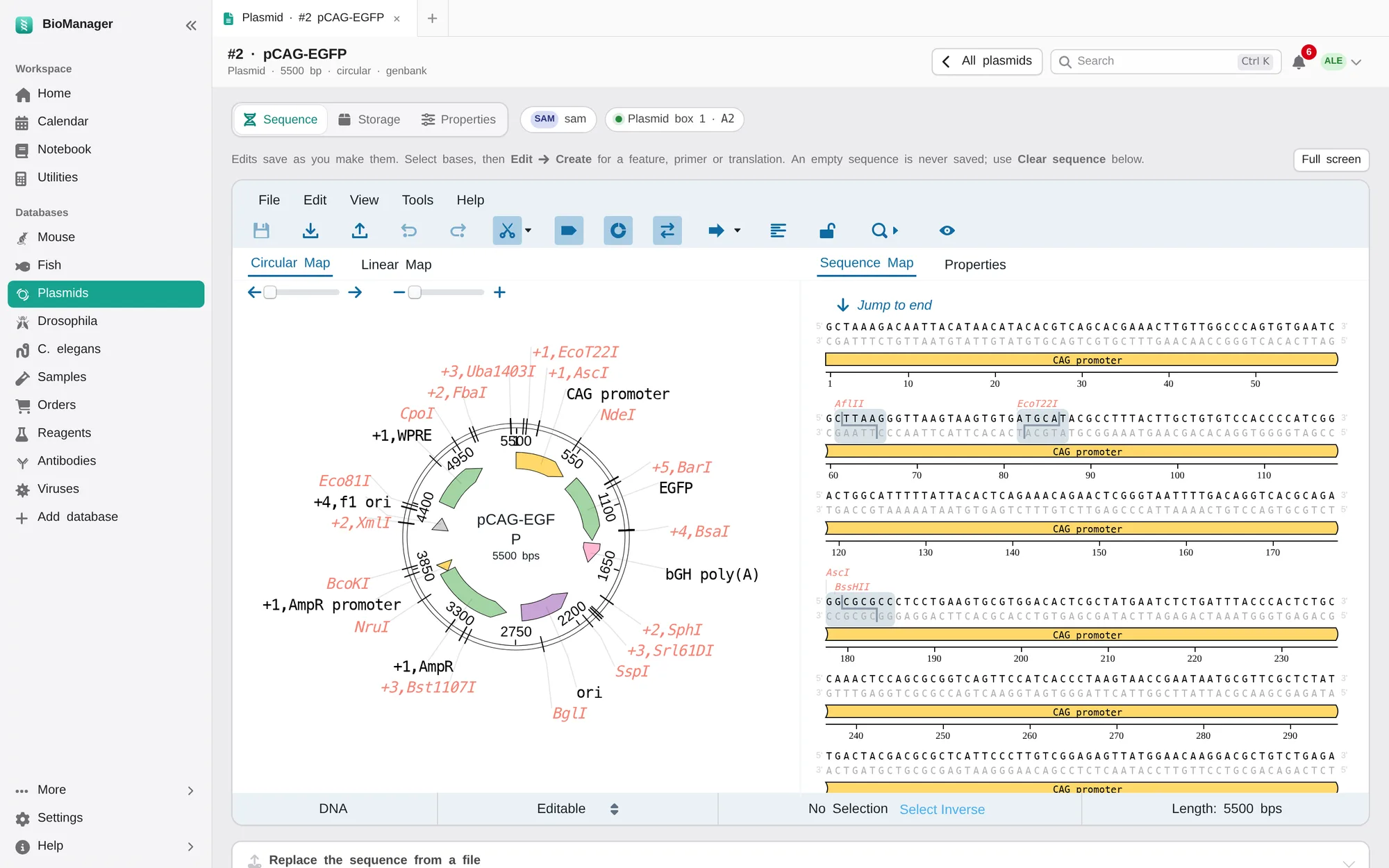
.dna, GenBank, FASTA or plain-text sequence. - Open a plasmid to see its sequence and features on an interactive map you can edit (edits save themselves), full screen if
you like; Storage and Properties are the other tabs. Storage also lists the viruses made from the plasmid
(Viruses). Its address carries its number: plasmid #12 is
…/plasmid/12. - Each tube keeps its miniprep's Concentration (ng/µL) and 260/280, in the sheet and on its Storage tab, which also lists the notebook pages that link it.
- Belongs to: Personal, or Lab common — anyone can edit it (a shared stock plasmid), while only its owner or an admin changes whose it is or deletes it. The Lab common chip lists them.
- Select plasmids to set owner, resistance or Belongs to, move them to a box, or delete. Moved into another box with no position, a plasmid takes its next free cell. Import from Excel brings in your old list.
Was this page helpful?
No