 BioManager
Working as a lab
Phones and cage cards
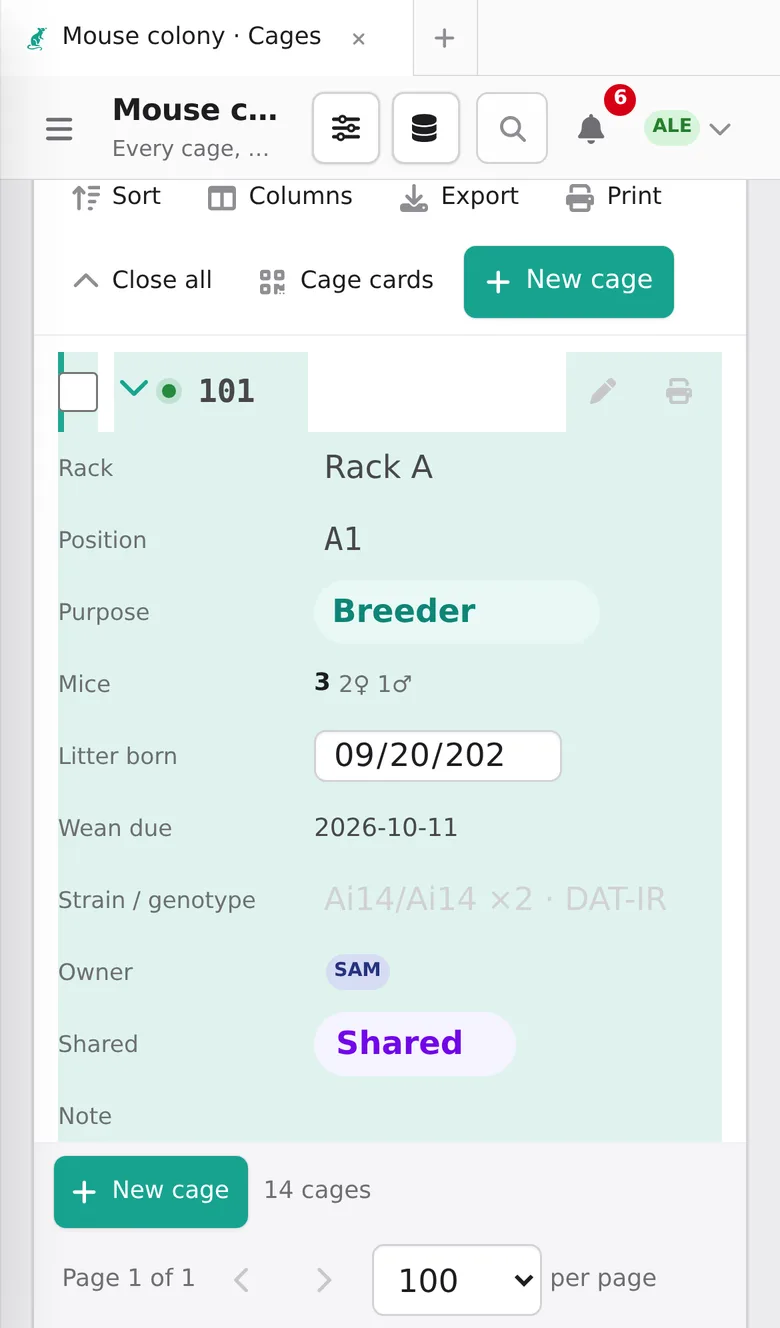
Use BioManager on a phone, and print cage cards and labels that open records when scanned.
Lab server for phones
- Android
- Install
BioManager-Android.apkfrom the download page (allow your browser to install apps when asked), type your lab server's address once, and you're in. The Scan button reads cage cards. - iPhone and iPad
- Open the server in Safari and tap Share → Add to Home Screen. BioManager gets its own icon and opens full screen like an app; your camera scans cage cards. (Android without the app: Chrome → ⋮ → Install app.)
- Cage cards
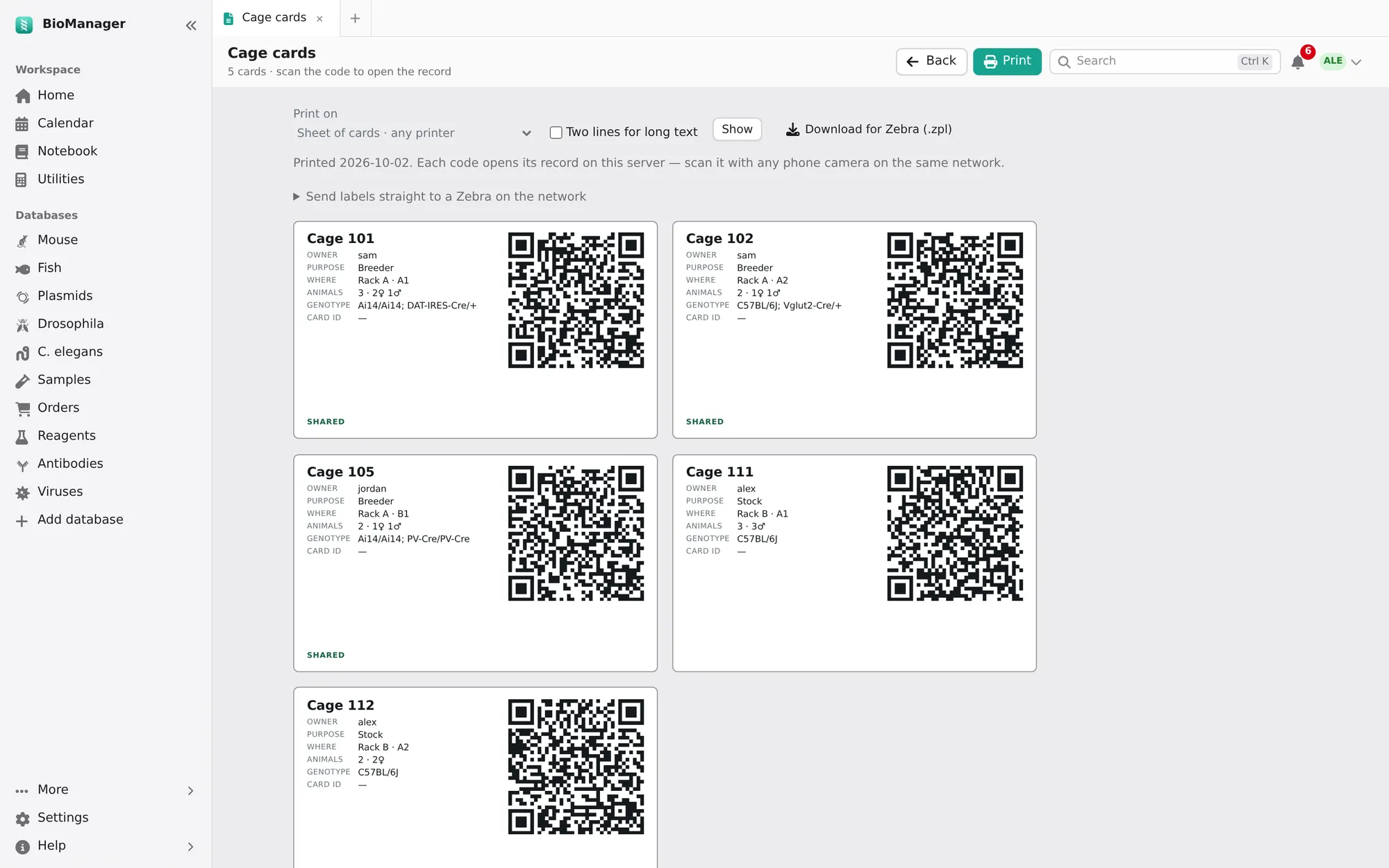
- Cages → Cage cards prints cards sized for standard card stock — owner, purpose, where it goes (rack and position), animals with how many of each sex, genotype and a QR code. Scanning it opens that cage, ready to edit, at the rack. Tank labels (Zebrafish), Labels on a fly or worm database, and Labels on ticked samples, reagents or any inventory's rows do the same for tanks, vials and tubes.
- Label printers
- Print on chooses a sheet of cards for any printer, or a label printer's roll: Brother QL (62 × 29, 90 × 29, 100 × 62 mm), Zebra (2 × 1, 3 × 1, 4 × 2, 4 × 2.5 in) or cryo-tube labels. It then prints one label a page, typed to fit; in the print dialog pick the label printer and that label size, margins None. Your choice is remembered. For tubes, On each label chooses what a label says (box, position, lot, owner, a column such as concentration, the day printed), remembered for each database, and Two lines for long text wraps a long name or place instead of cutting it. For a Zebra, Download for Zebra (.zpl) gives the labels in its own language; or an admin adds the Zebra's address on the lab's network once (under Send labels straight to a Zebra), and Send to Zebra prints them at once.
Phones reach a server, or a desktop that shares its lab on the network (Devices):
otherwise the app on one computer is private to that computer.
Troubleshooting
My phone can't reach the server
Check the address with your admin; that you're on the lab's network, VPN or Tailscale; and, if your lab uses its own certificate, that it's installed on the phone.
Was this page helpful?
No